






© 2026 Miguel Silva

Apps

  • LoadoutA Mac app to see, edit and share the skills your coding assistants load.
  • UnburyFind a saved bookmark by describing what you remember about it.
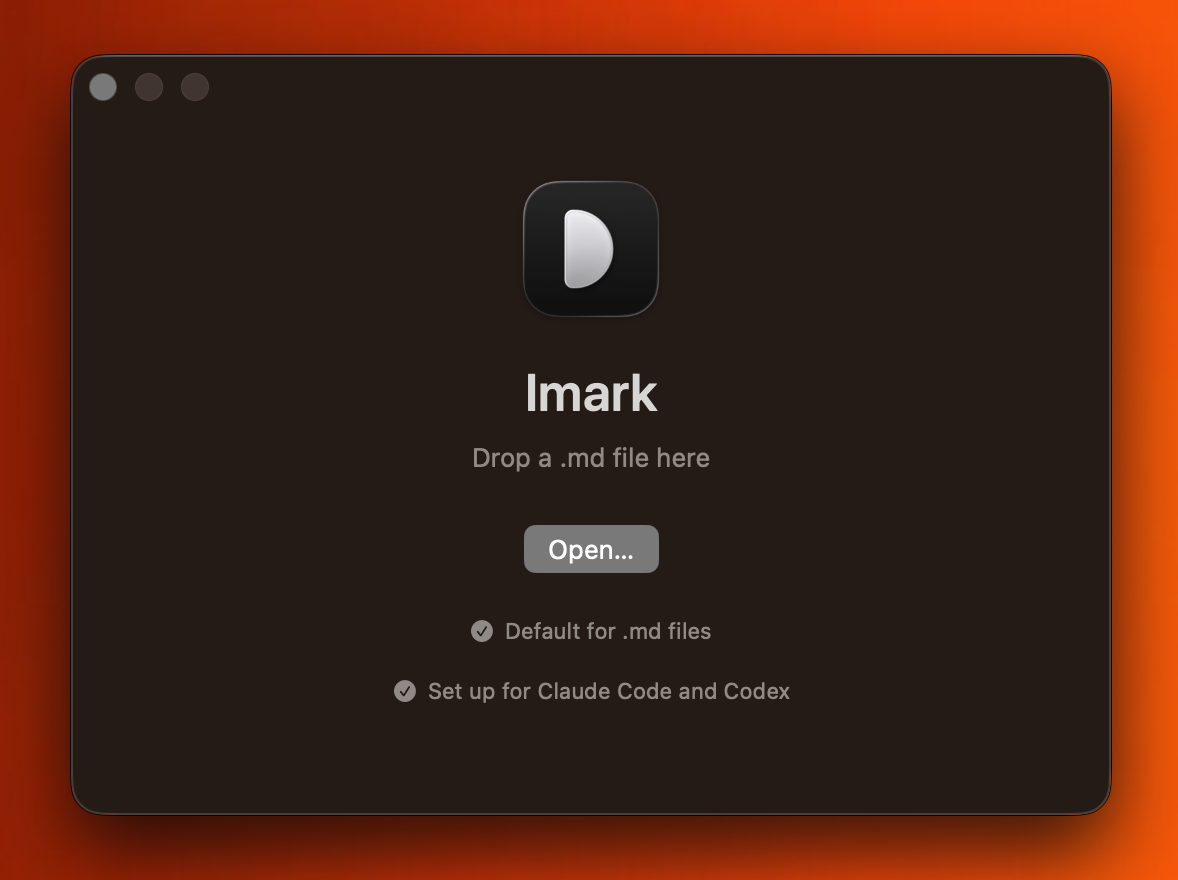
  • ImarkNative macOS app, with agent skills, to view and review markdown files.
  • CanWeFPVThe name asks the question. The map answers it, with the spots pilots fly and the official zones too.
  • MarkMindChrome extension that lets AI sort and organize your bookmarks.
  • criarcomIAThe AI SaaS I built to learn AI integrations, payments and everything in between.

Webstores

  • Mary LouisHandmade jewellery from Portugal, in a shop she runs herself.
  • Chef Diana PintoA chef's site that takes the workshop bookings she was doing by message.

Sites

  • Imark websiteA home for the app, with demos and guides for reviewing Markdown.
  • Loadout websiteProduct demos and practical guides for managing a coding assistant setup.
  • Unbury websiteA demo, browser guides and a clear explanation of what bookmark search costs.
  • MarkMind websiteThe website behind the extension that organizes browser bookmarks.
  • Dra. Liliana GomesA facial harmonisation clinic that now comes up first when people search for one.
  • migsilva.devThis site. The projects page is where I keep testing ideas, like this one.
  • SOL-ISOLA solar film company's services, past work and quote requests in one place.
2026

Imark

Markdown you can argue with.

I read plans and specs all day, all of them markdown, and hitting the space bar on a file gave me the ugly default: raw text, asterisks and hashes. So I built the reader I wanted.

Using it every day showed me what it was missing. I kept wanting to tell whoever wrote the file that a line was wrong, so now I select a phrase and leave a note, and the note is written into the file itself. Claude Code and Codex read those notes straight out of the file and carry on, which is how I review every plan they write for me.

The rest came from using it: Mermaid diagrams and KaTeX formulas render, the Quick Look extension means the space bar works in the Finder, and there is no account and nothing goes anywhere. It's free and the code is open.

Stack
Swift 6 · SwiftUI · macOS 14+
Network
Update check only
Licence
MIT
Website↗Download for Mac ↓
Imark screenshot
the app I open more than any other
Visit↗